Preview
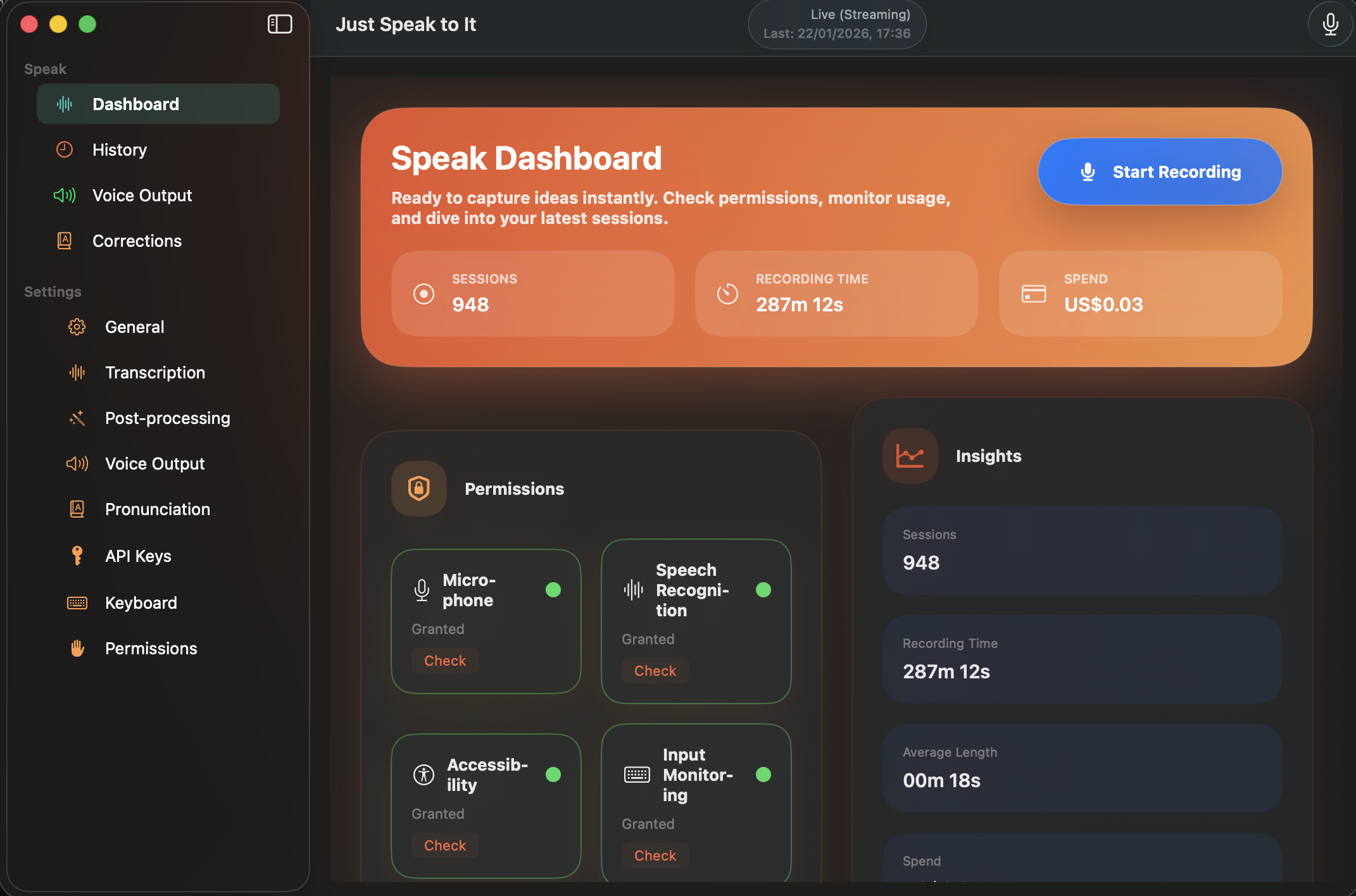
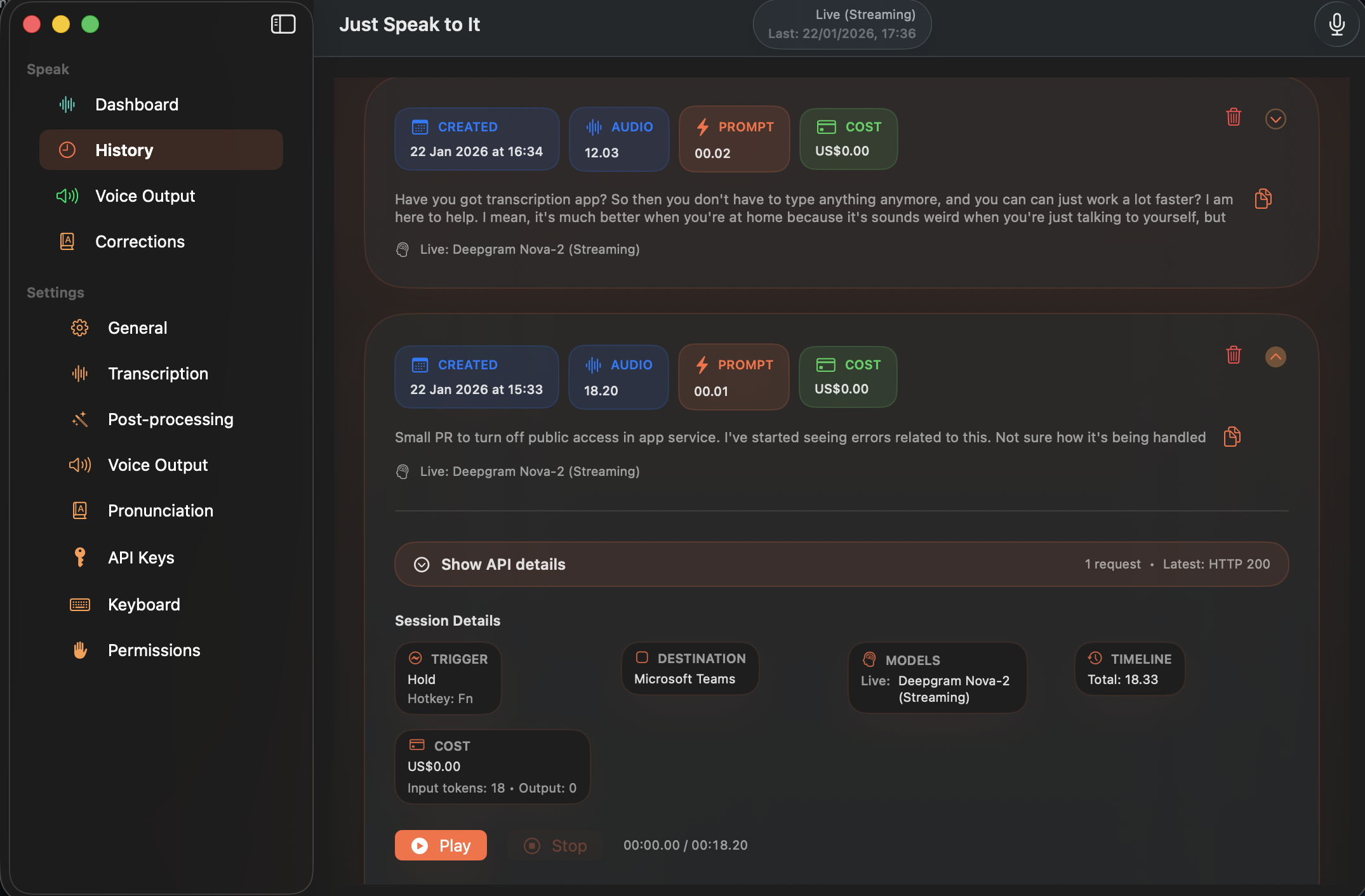
The fastest way to turn your voice into text. Native apps for Mac and iOS with on-device privacy and bring-your-own-keys pricing.
A native app that feels like magic. No electron, no bloat—just fast, reliable transcription.
Double-tap Fn, hold-to-record, or use a custom shortcut to start recording from anywhere. Your transcript appears right where your cursor is.
Use Apple's built-in speech recognition for completely private, offline transcription. Your audio never leaves your device.
Transcripts are automatically typed into any app using accessibility APIs. Insert at cursor or replace selection—works with any text field.
Optional LLM cleanup using GPT-4o, Claude, Gemini, or Mistral—removes filler words, fixes punctuation, and polishes your prose.
Have voice-powered conversations with AI. Speak your questions and hear responses read back—complete with conversation history.
Full voice-to-voice conversation loop: record, send, listen to the response, and auto-resume recording. No tapping required.
Hear responses with natural voices from OpenAI, ElevenLabs, Deepgram, Azure, or Apple's built-in system voices.
Teach the app your jargon, names, and acronyms. Your custom dictionary improves accuracy across all providers.
Your transcription history syncs seamlessly between Mac and iOS via iCloud. Pick up right where you left off on any device.
Double-tap Fn or click the menu bar icon. A subtle HUD appears showing you're recording.
Just talk naturally. See live transcription as you speak, with real-time feedback.
Stop recording and your polished text appears instantly in any app, right at your cursor.
Use your existing API keys from any supported provider. Pay only for what you use—typically $0.36 per hour or less. No subscriptions, no hidden fees, no data selling.
Built with SwiftUI for the best experience on every Apple device.
Yes! When using on-device transcription with Apple Speech, your audio never leaves your device. When using cloud providers like OpenAI or Deepgram, audio is sent directly to their APIs using your own API keys—we never see or store your audio.
The app is free to download. On-device transcription is completely free. Cloud transcription with your own API keys typically costs $0.006/minute (about $0.36/hour) with Deepgram or OpenAI Whisper. You pay the provider directly—we don't add any markup.
On-device (Apple Speech) is instant, free, and private—but may be less accurate for specialized vocabulary. Cloud providers like Deepgram and OpenAI Whisper offer higher accuracy, support for more languages, and features like speaker diarization.
On Mac, you can capture system audio from meeting apps like Zoom or Teams. On iOS, the app captures audio from your device's microphone—place your phone near the speaker for best results, or use the hands-free conversation mode to interact with AI directly.
Open the app's Settings and enter your API keys in the Providers section. Keys are stored securely in your Mac's Keychain. We never see or transmit your keys—they go directly to the provider's API.
OpenClaw is the built-in AI chat feature. You can have voice-powered conversations with AI assistants— speak your questions, get spoken responses, and use hands-free mode for a completely voice-driven experience. Conversations are saved locally and can sync via iCloud.
Download JustSpeakToIt and start turning your voice into text in seconds.
Have a feature request, bug report, or want to contribute? Open an issue on GitHub — we'd love to hear from you!